IDE Selection
Last update: September 27, 2026
At some point — at this point — in this series, we have to get a tiny bit more technical. And when I say a tiny bit more technical, I really just mean to introduce you to the concept of IDEs (see more below). We’re going to be using a coding interface to interact with Claude Code — but we really won’t have to do any coding. I want to reassure you that you don’t need to be a coder to do this stuff. I certainly wasn’t.
Install your IDE
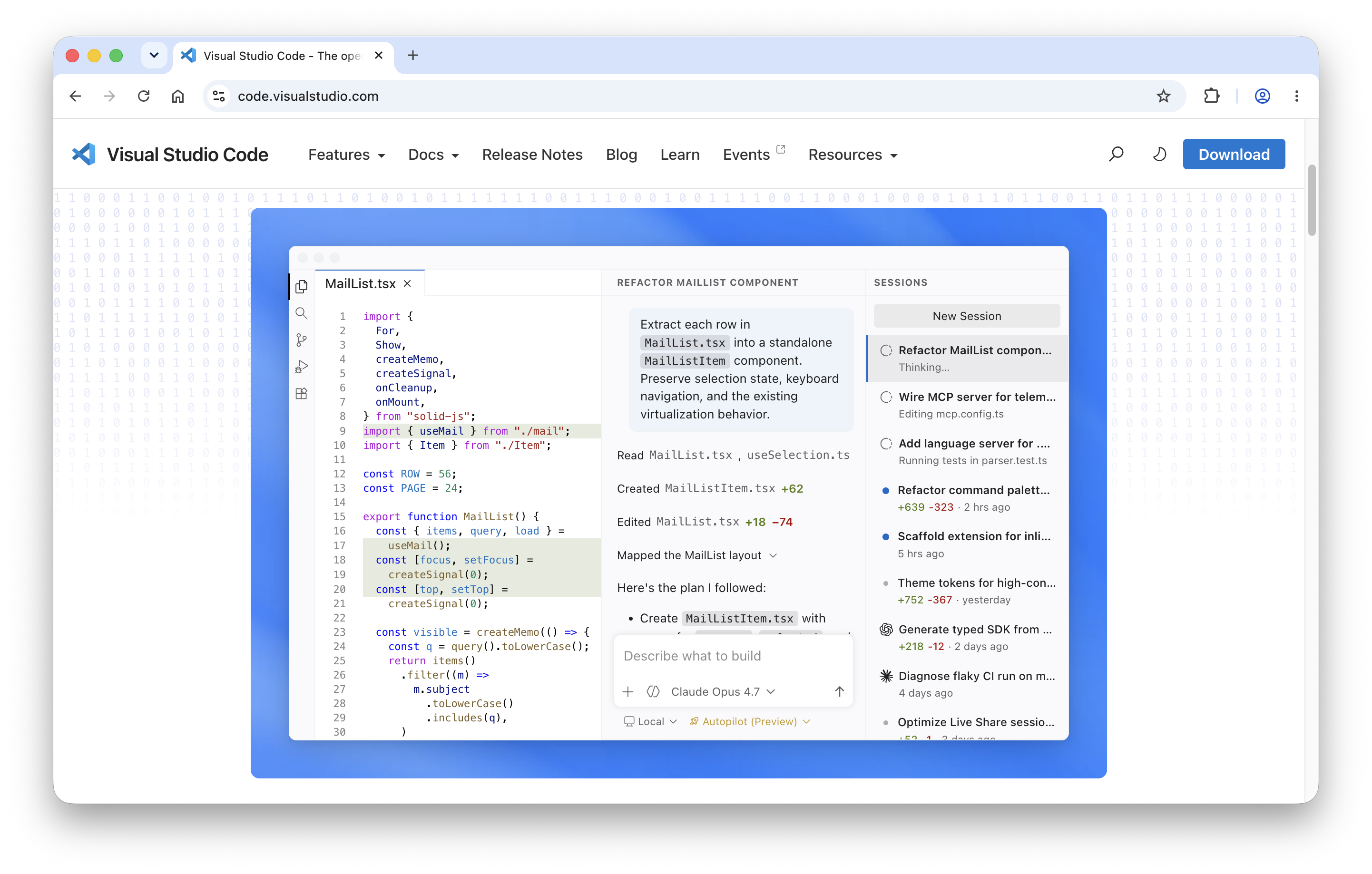
IDE stands for Integrated Development Environment. Coders use IDEs because they can code and see their library of files in one place. We’re using an IDE because we can talk to Claude and see our library of files in one place. An example of an IDE is Visual Studio Code (often referred to as VS Code).
There are plenty of other IDEs that you can use. If you already have another IDE, use that. If not, I’d recommend getting VS Code because it’s very easy to use and it’ll be the IDE I use for the remainder of this guide. It’s also the IDE I use every day for work. Did I mention that I hadn’t really used an IDE before I learned what you’re learning now?
Connect your IDE to AI
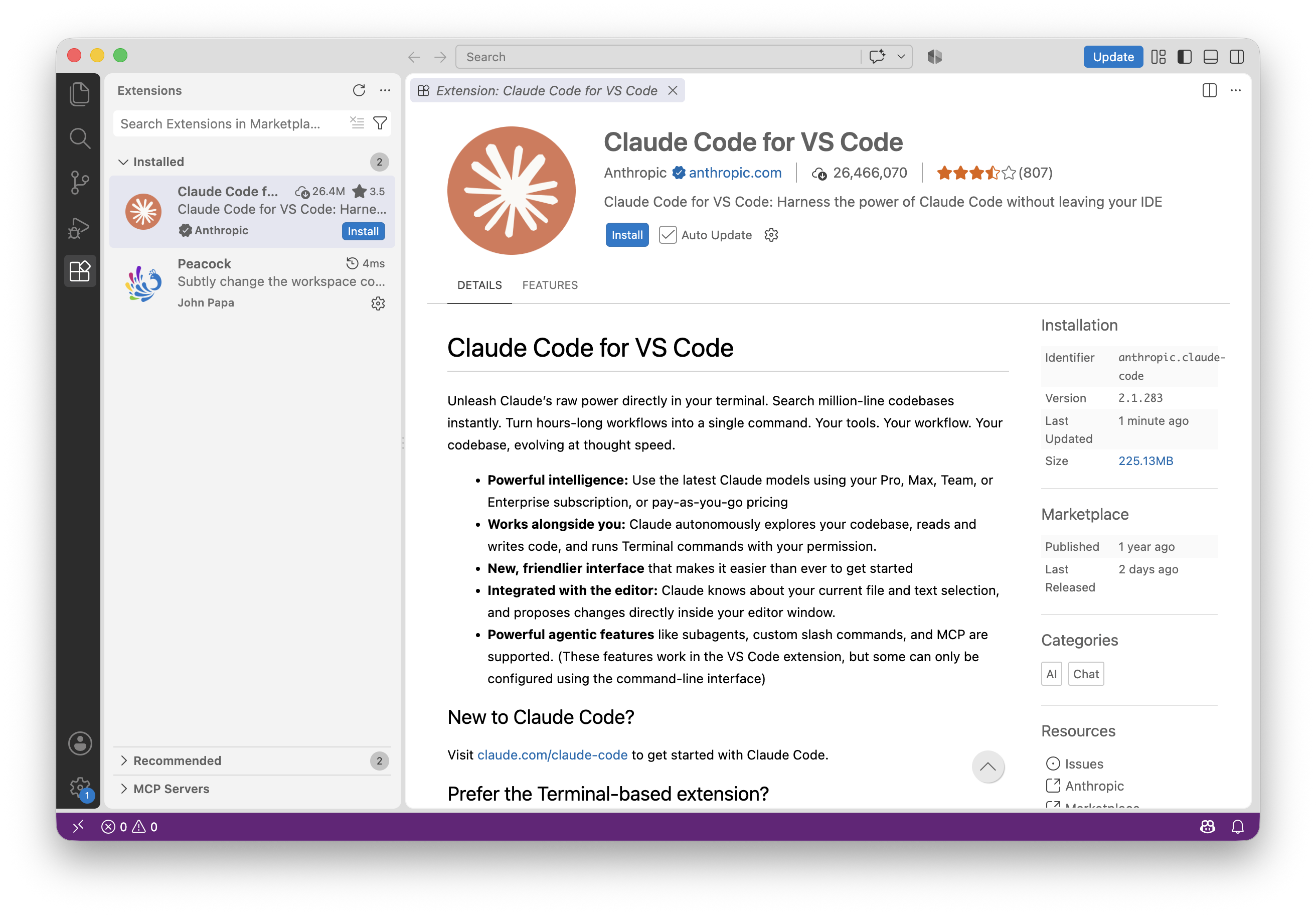
The next step for us is to connect Claude to VS Code. To do this, we’re going to open the Extensions menu from the left-hand sidebar of VS Code. Search for Claude Code for VS Code, ensuring you’ve found the official Anthropic version (as indicated by the blue checkmark), and install it.
You should see the little Claude icon on your left-hand sidebar now, and you’ll need to log in.
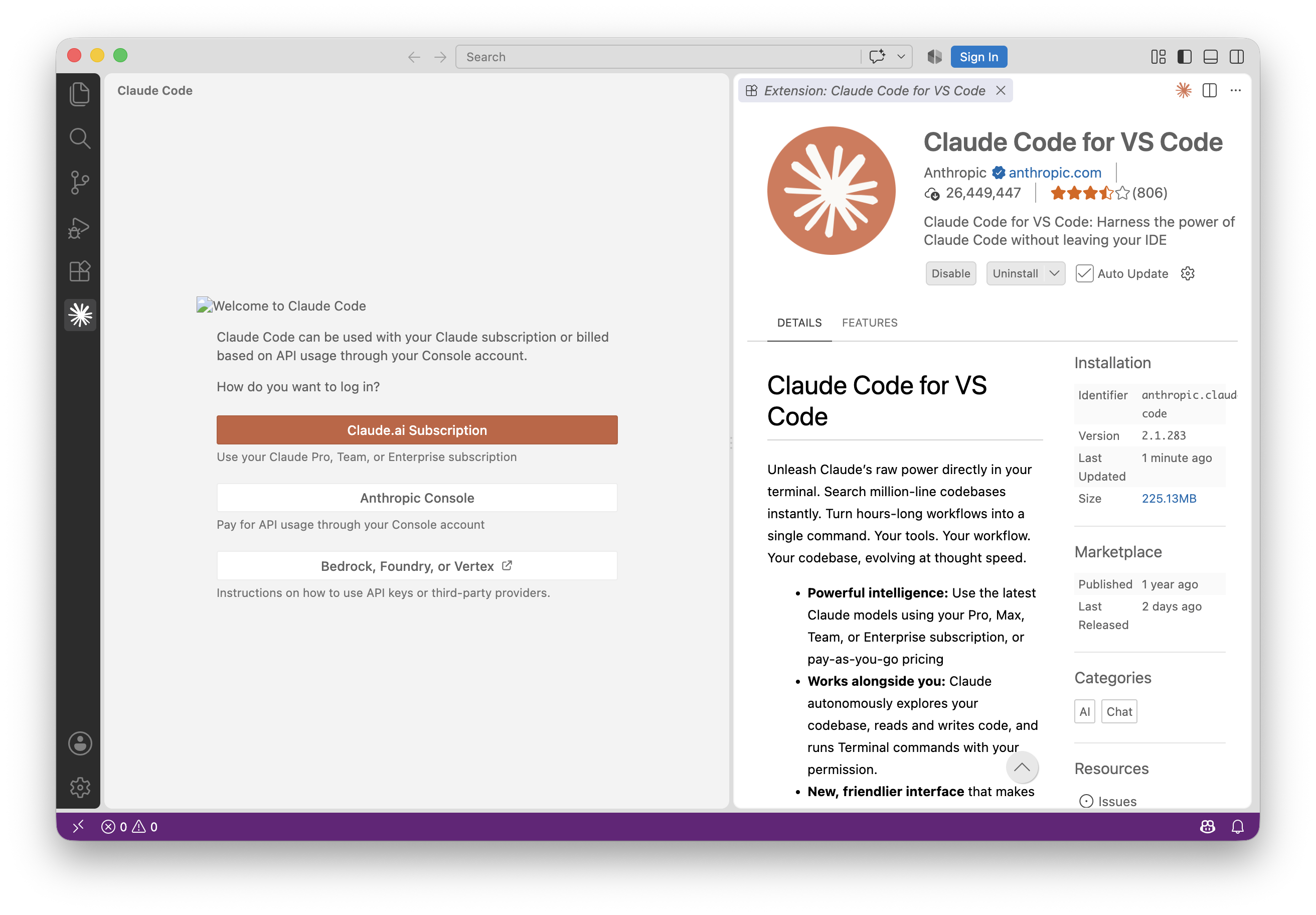
Once you’ve logged in, you’re all set.
Why are we doing this?
VS Code is going to be our new way of interacting with Claude. Instead of using the web browser or a desktop app, we’ll be using VS Code to talk to Claude. Remember: VS Code, as an IDE, has access to our file library. So too will Claude. We’re basically setting up an AI assistant on our File Explorer/Finder. There’s many things that are nice about this, but one of the main ones is that we won’t have to upload or download files anymore.
Before we dive in to actually using Claude Code, we should probably start with a few basics. The next lesson awaits!